
Themes
Themes
Step 1 of 5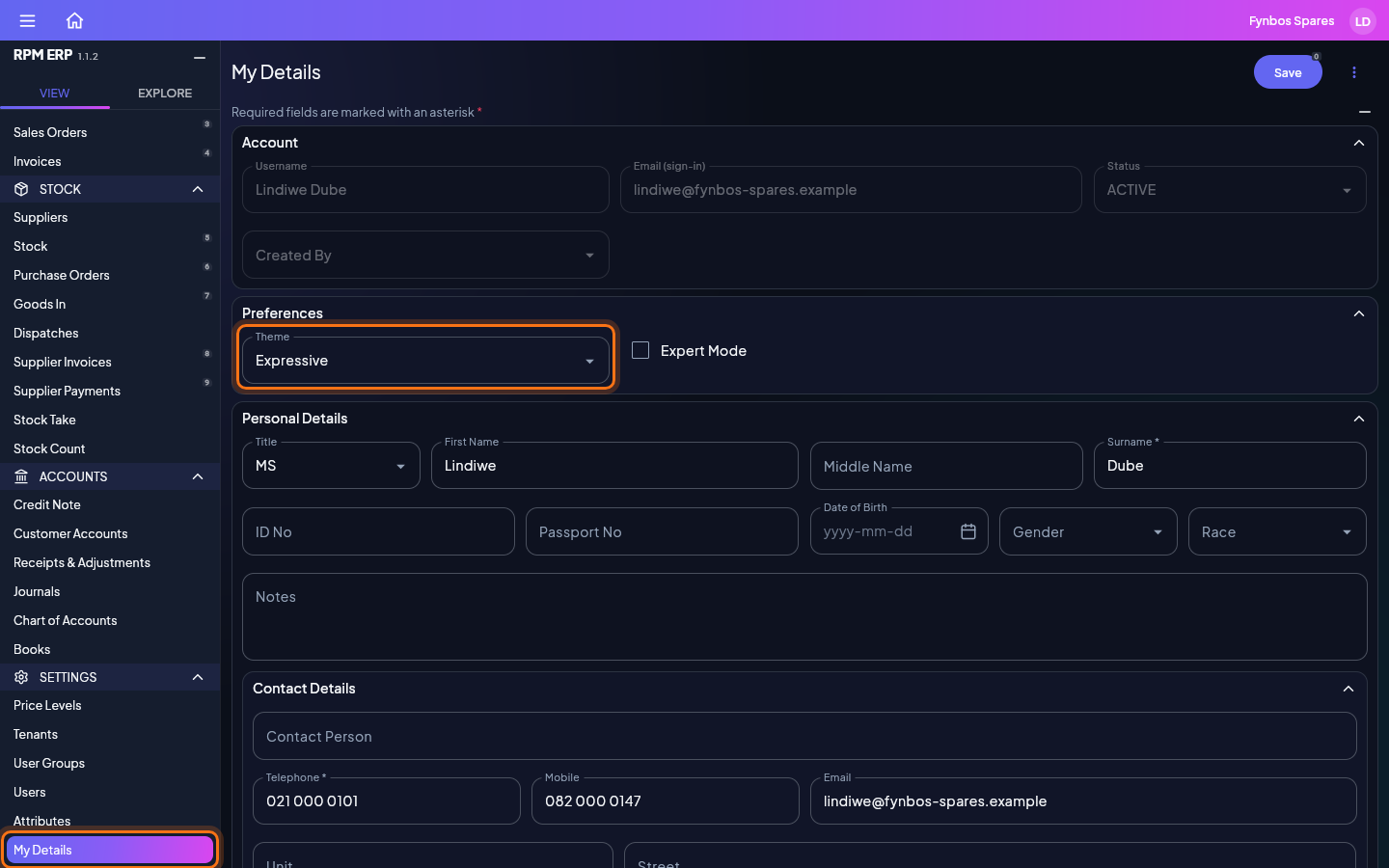
Your theme is how the application looks to you: its colours, its lettering and its corners. It is yours alone, so changing it changes nothing your colleagues see, and it follows you to every device you sign in on. In the side menu, click My Details, under SETTINGS. The Theme box is under Preferences.