
Stock Count
Stock Count
Step 1 of 4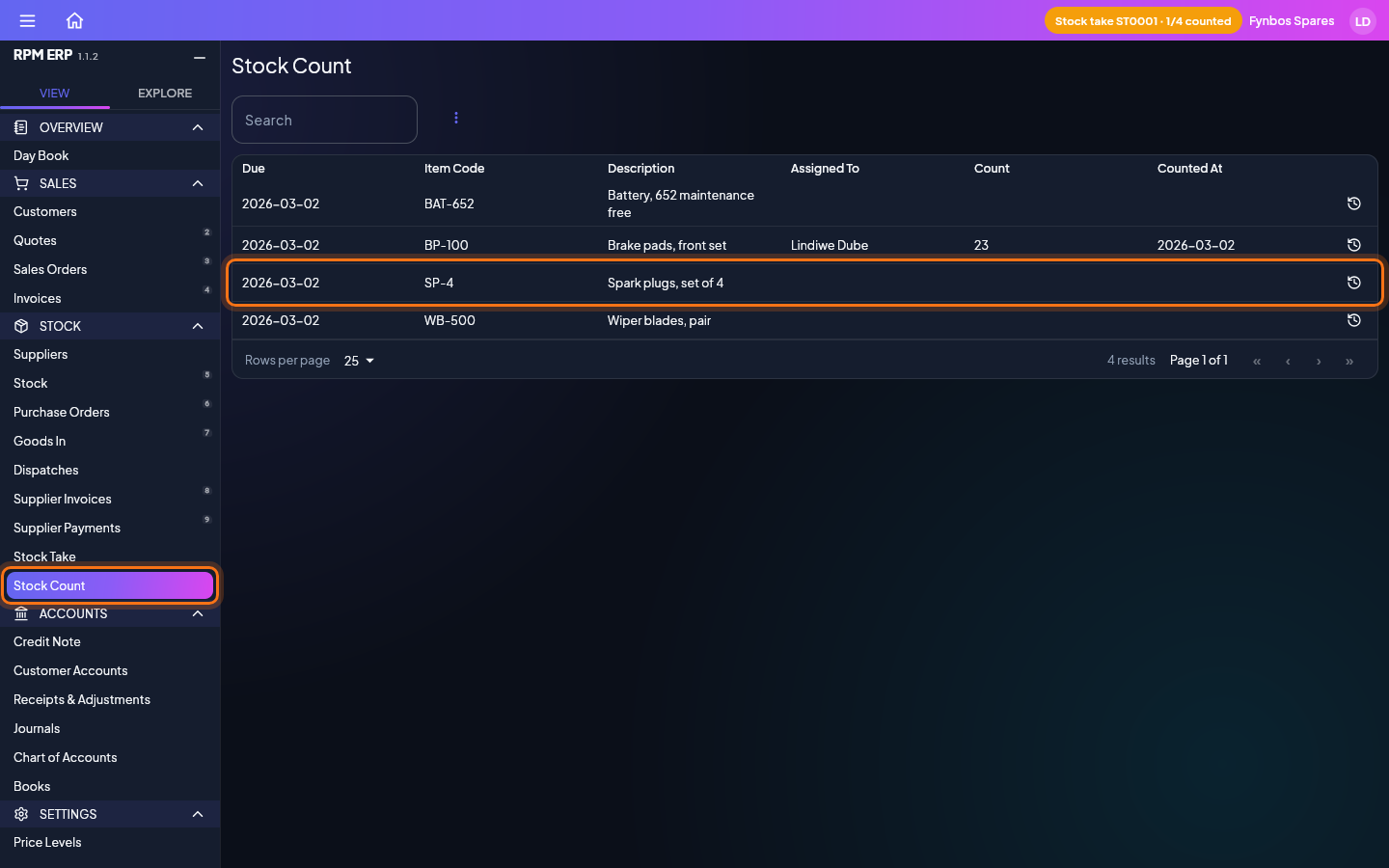
A stock take under way puts a row here for each item to count, so there is nothing to add. In the side menu, click Stock Count, under Stock; it is also opened by the banner at the top of the screen while a take is on. Search the list for the item on the shelf in front of you and click its row.