
Lock
Lock
Step 1 of 5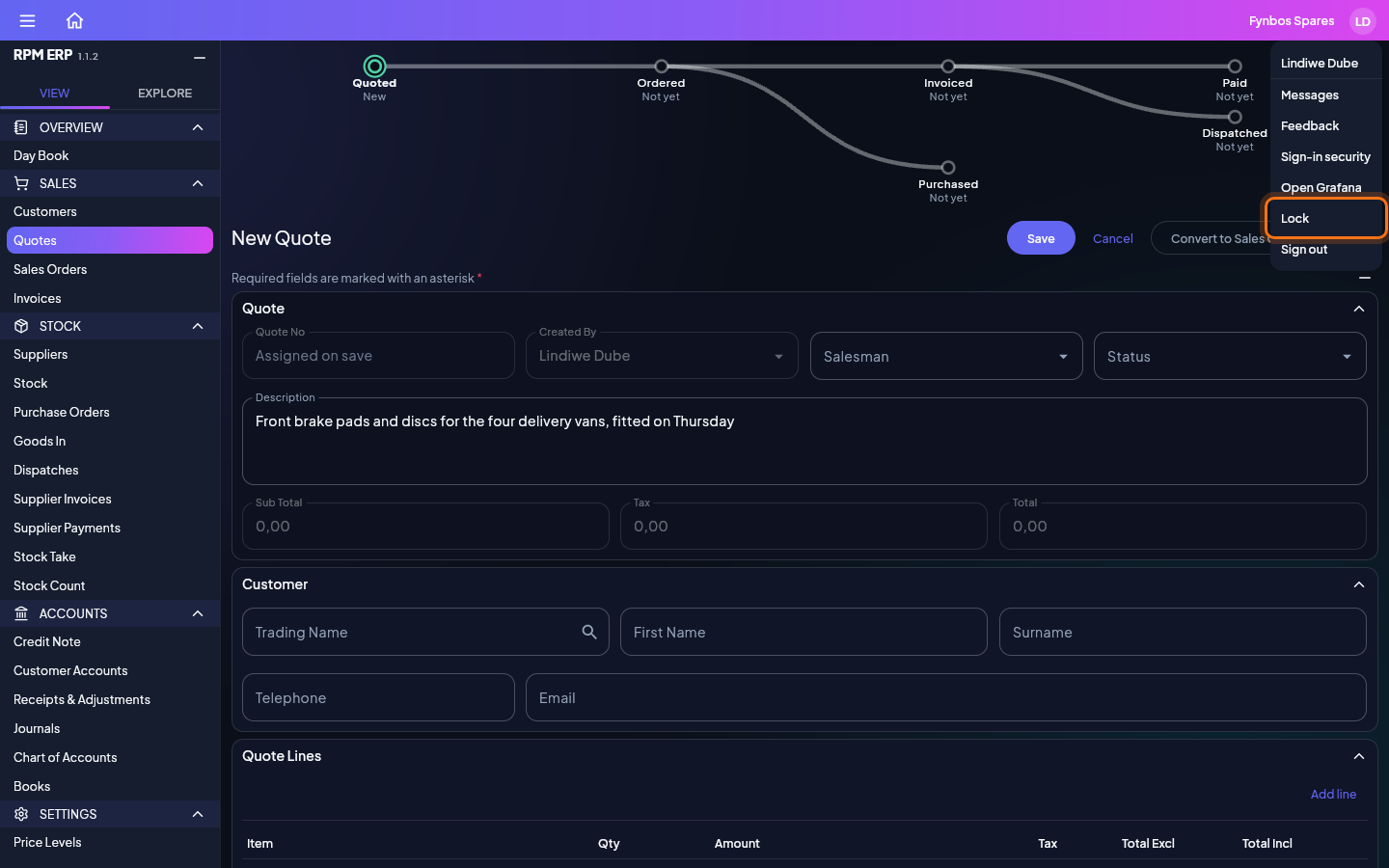
Stepping away from your desk? Lock covers the application until you are back, without closing anything you were doing. Here a new quote is half written. Click your initials at the top right of any screen to open your account menu, and choose Lock, just above Sign out. Lock has no number key, so it is never chosen by accident.