
Purchase Orders
Purchase Orders
Step 1 of 4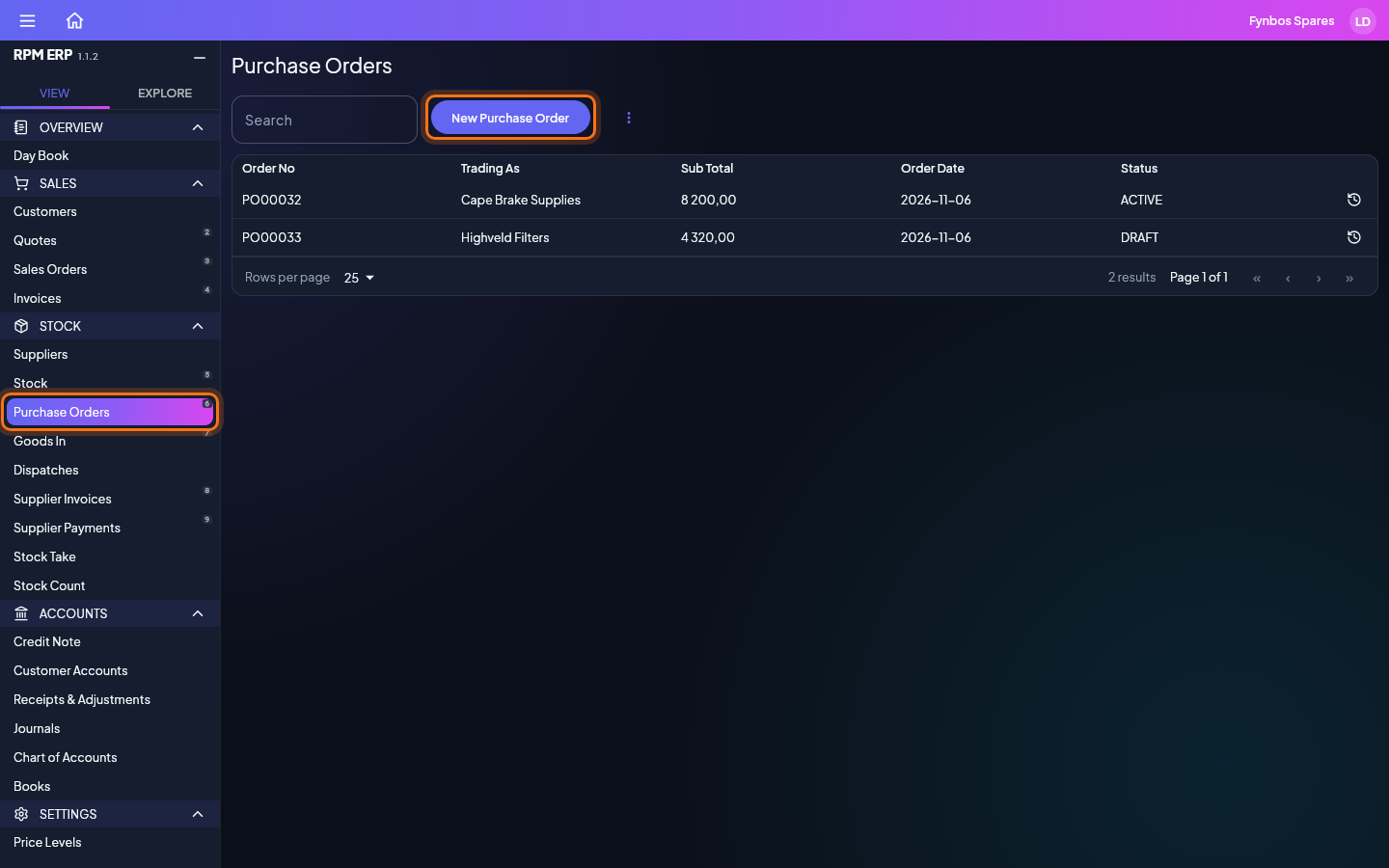
In the side menu, click Purchase Orders, under STOCK. Or press 6 whenever you are not typing in a box. Purchase Orders opens on a list of what you already have. Search, sort and filter it to find one and click it to open it, or click New Purchase Order to start a new one.
Documents
What Purchase Orders prints, made from the same example as the steps above.