
Scout
Scout
Step 1 of 7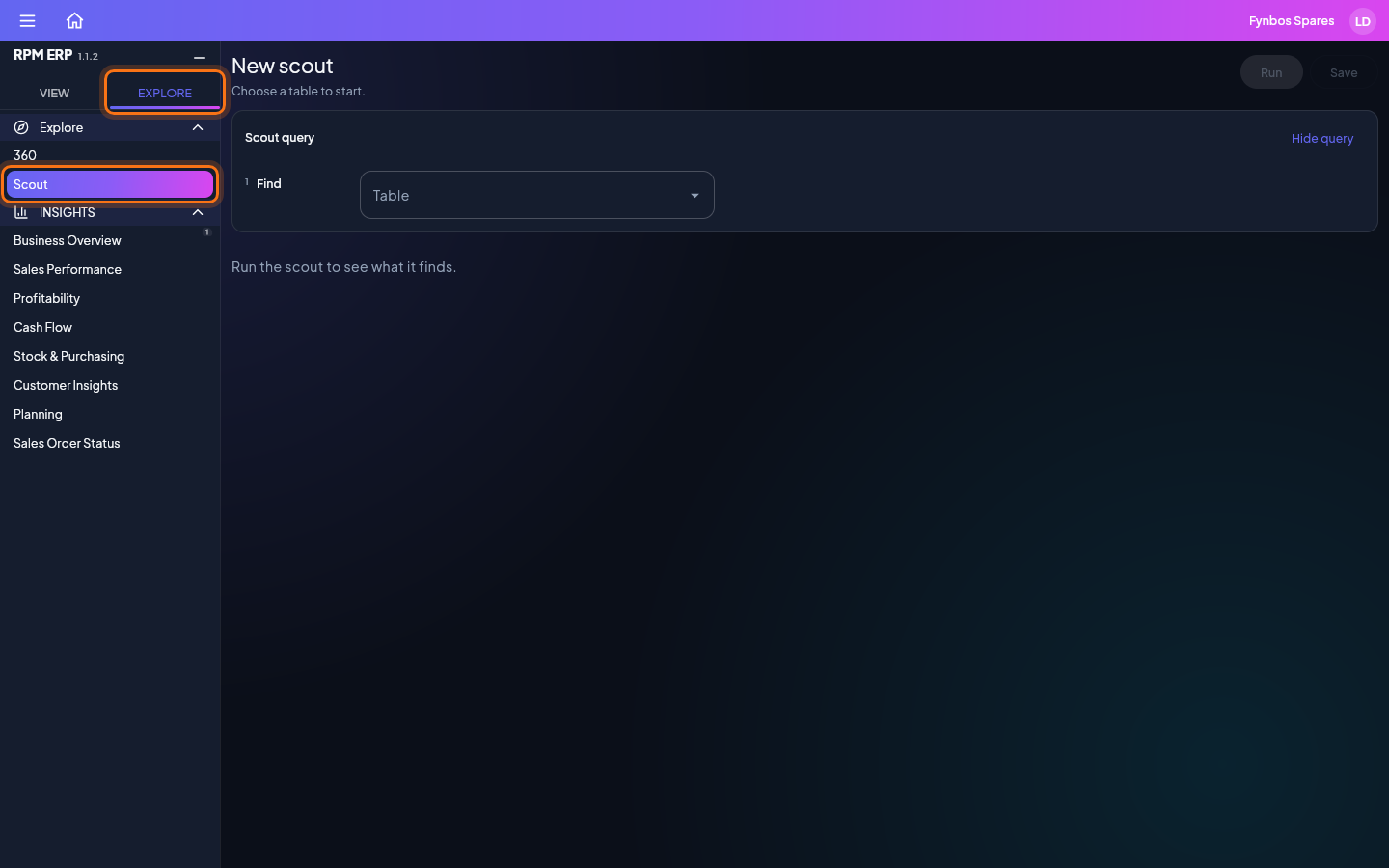
Choose the Explore tab at the top of the side menu, then click Scout. Start with what you are looking for, then add what it links to, the columns to show, the conditions rows must meet, and how to group and sort them. Run it to see a page of answers, export them, and save the question to ask it again from the menu.