
Guided-Flow
Guided-Flow
Step 1 of 14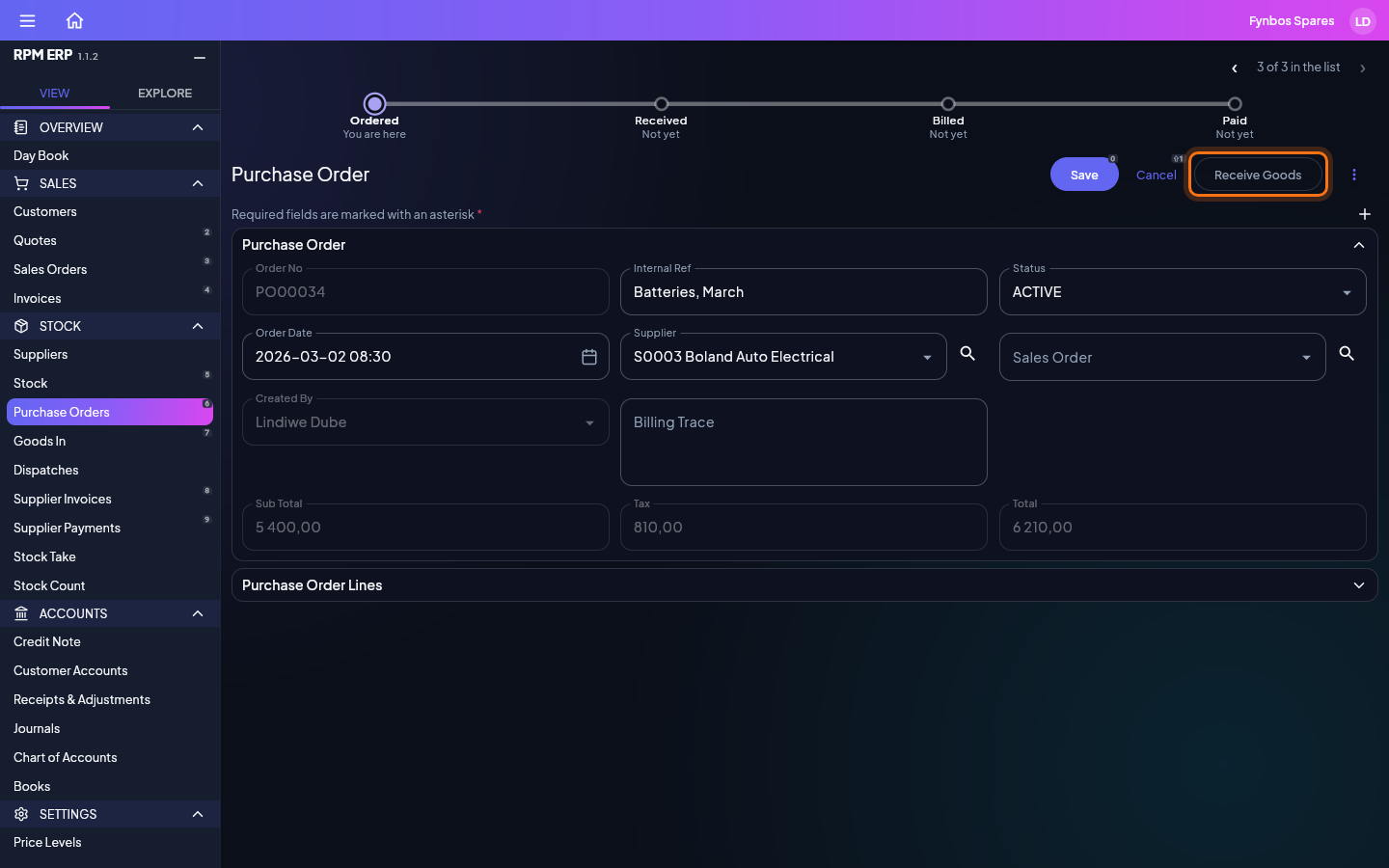
The Guided-Flow takes a purchase from order to payment, and a sale from quote to dispatch, each document raised from the one before with a single button, so nothing is typed twice and the books follow on their own. Start on the order: in the side menu, click Purchase Orders, under Stock, and open PO00034, four batteries from Boland Auto Electrical. When the delivery arrives, click Receive Goods.