
Sales Order Status
Sales Order Status
Step 1 of 1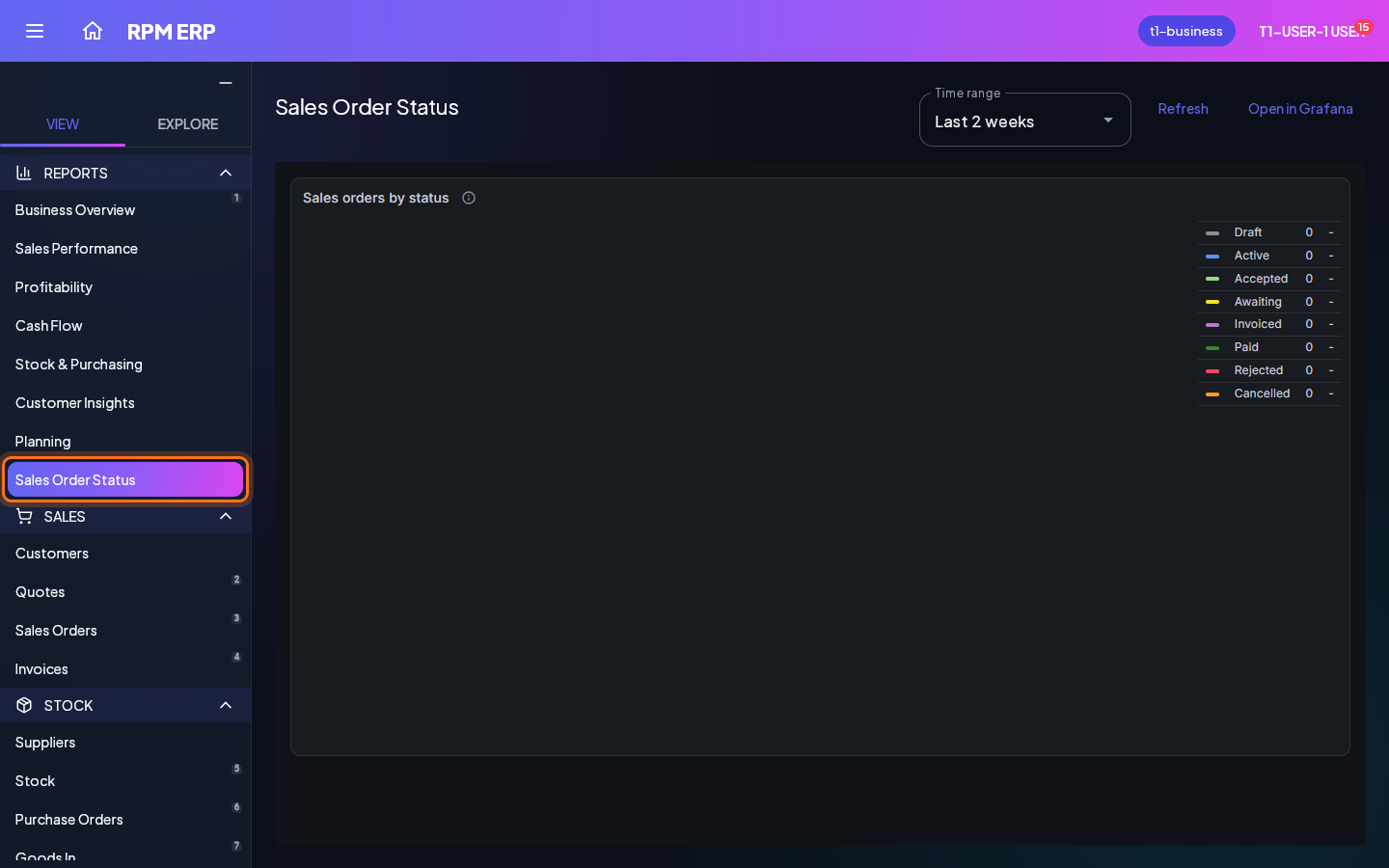
Choose the Explore tab at the top of the side menu, then click Sales Order Status, under INSIGHTS. The dashboard fills the screen. Hover over a chart to read its numbers, and choose the dates it covers with the range above it.
Next: Messages