
360
360
Step 1 of 7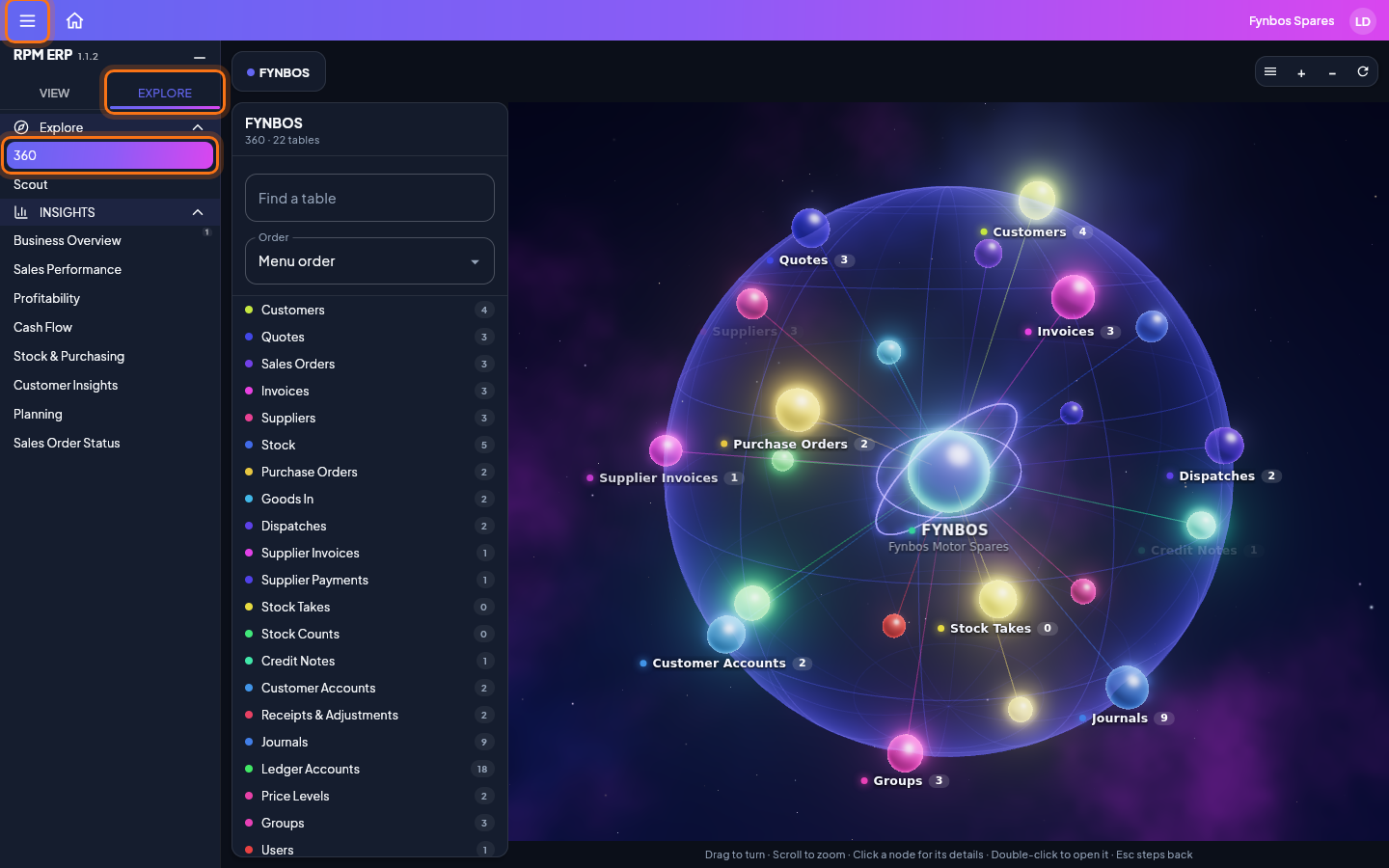
Choose the Explore tab at the top of the side menu, then click 360. Your business is at the centre, and around it the kinds of record you work with, each with how many you have. Click a node for its details and double-click it to open it: a kind of record opens into its records, and a record into what it is linked to. The list beside the sphere finds and sorts the same nodes. Drag to turn the sphere, scroll to zoom, and press Esc to step back. The button with three lines at the top left folds the side menu away, to give the sphere the whole screen, and brings it back again.